 Overhead
← Analog Arcade home
Overhead
Overhead by Analog Arcade labels what is in the sky above you, live, through your iPhone camera: stars, planets, the ISS and bright satellites.
- iPhone only.
- $2.99, one time.Black Friday $0.99, Nov 27 to Nov 30
- No account and no analytics in the app.
Try it with your phone cameraFree, in this browser: stars, planets, the Moon, the space station, and what to see tonight.
This page is support for the app. Get Overhead on the App Store
Point your phone up. It names what you see.
-
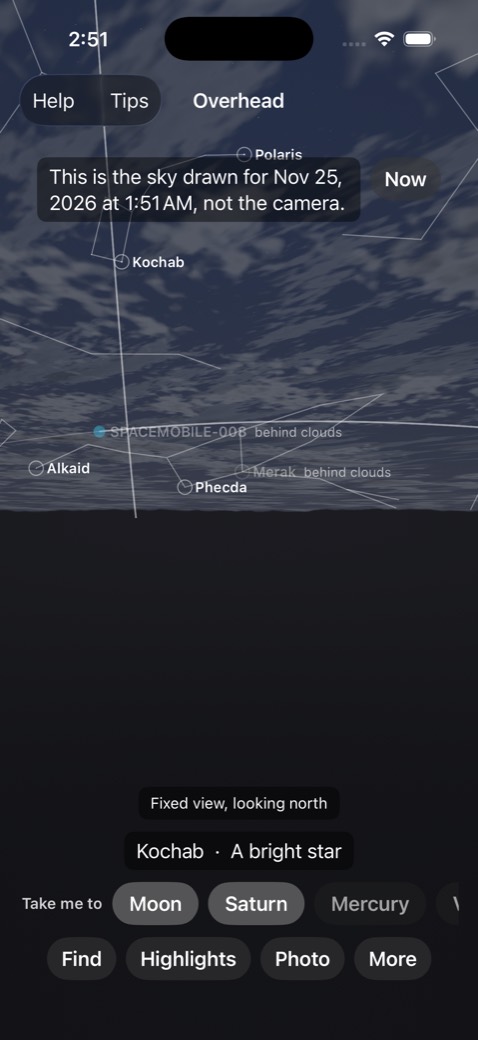
Tap a name
Every label is something real above you. Tap one to see what it is and how bright.
-
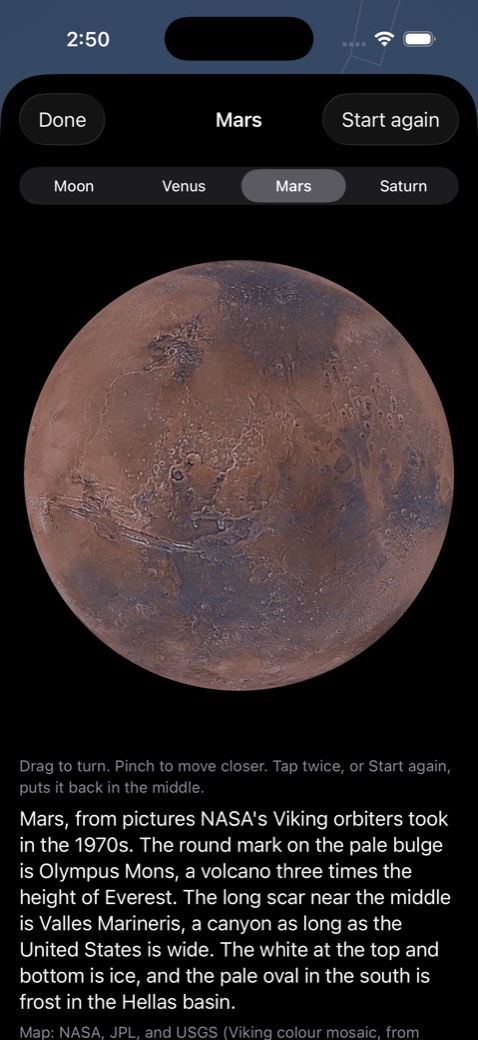
Fly to a planet
Pick Mars, Venus, Saturn or the Moon. Overhead guides you to it in the sky, out loud if you like, then takes you there.
-
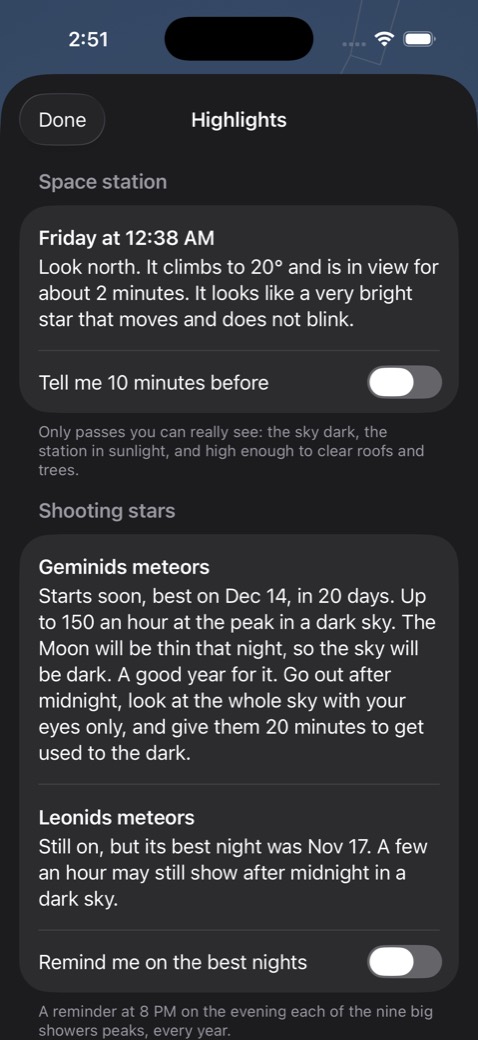
Know what is worth a look
Highlights lists tonight's space station passes, planets and meteor showers, with the cloud forecast beside them.


Not for navigation. Overhead is for looking up and having fun, not for finding your way.
Privacy
The Overhead app has no account, no advertising and no analytics, and it does not track you. Read the privacy policy.
This website is separate from the app. If you arrive through the short address sky.analogarcade.net, that visit is counted: the address you asked for, the page that sent you, and your browser type. Nothing about where you are. The count is deleted after one year. The pages here run no counting script. The browser version keeps the camera picture, your location and the phone's movement in your browser; it downloads one public list of satellites and sends nothing about you with it.
Stays on your phone
- Your exact location
- The camera picture
- Alerts and reminders
- The record of what the app did
Sent, and to whom
- Your area, rounded to about 10 km, to Overhead's own server for the cloud forecast. You can turn this off.
- Nothing about you when it downloads the public satellite list.
Help
- Something looks wrong or the app misbehaves: in the app, open Help, then Report a problem. The report leaves your phone only if you tap Send report and choose where it goes. Or email us the iPhone model, the iOS version and what you tapped.
- Cloud forecast: it can be turned off in Help, Settings, Weather.
Contact
Email support@analogarcade.net.